> For the complete documentation index, see [llms.txt](https://docs.hotdao.ai/llms.txt). Markdown versions of documentation pages are available by appending `.md` to page URLs; this page is available as [Markdown](https://docs.hotdao.ai/hot-kit.md).
# HOT Kit
HOT Kit is a powerful library for blockchain and omni-balance management. It supports both browser-based dApps and servers. Key features include
### 1. Multi-chain connector
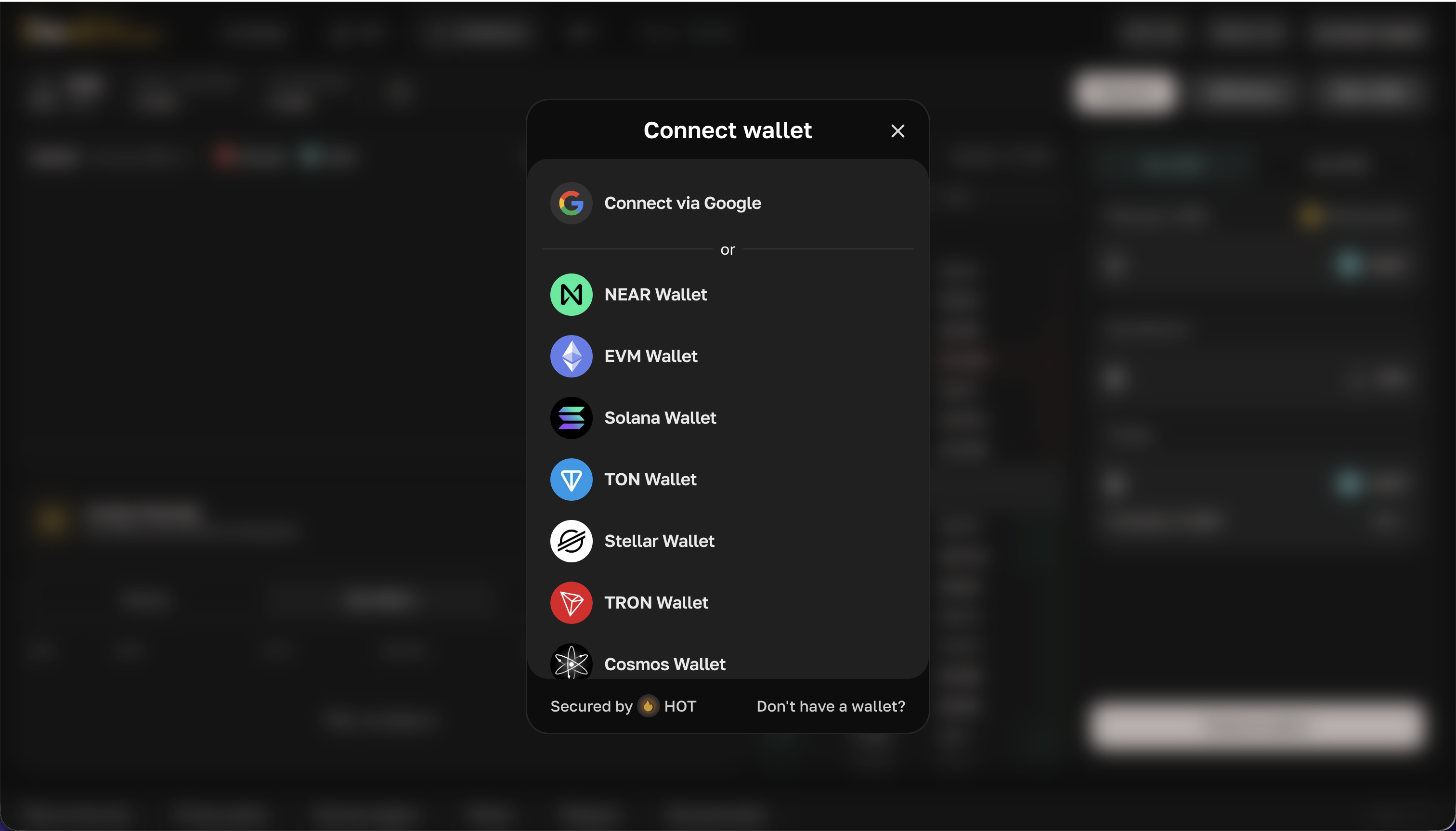
HOT Kit lets users connect their own wallets to your site or log in via Google. It's great for onboarding web2 users into your app. With WalletConnect support, any mobile wallet can be connected effortlessly.
* **NEAR Connector**\
WC, HOT Wallet, Meteor, Intear, MyNearWallet, etc
* **EVM Connector**\
WC, HOT Wallet, MetaMask and all browser wallets
* **Solana Connector**\
WC, Hot Wallet, Phantom and all browser wallets
* **TON Connector**\
HOT Wallet, TonKeeper and all web/mobile wallets
* **Stellar Connector**\
HOT Wallet, Freighter
* **TRON Connector**\
TronLink (WC soon)
* **Cosmos Connector**\
WC, Keplr, Leap
* **Connect via Google (experimental)**\
Users receive addresses for all networks mentioned above via their Google account. The user's Google Wallet operates through HOT MPC and will be accessible after authorization at .
```typescript
import { HotConnector } from "@hot-labs/kit";
import { defaultConnectors } from "@hot-labs/kit/defaults";
import google from "@hot-labs/kit/hot-wallet";
import cosmos from "@hot-labs/kit/cosmos";
export const kit = new HotConnector({
apiKey: "Get on https://pay.hot-labs.org/admin/api-keys for free",
connectors: [...defaultConnectors, cosmos(), google()],
walletConnect: { // Get from dashboard.reown.com
projectId: "3cbf324S21f18648ed6153e2c324l2cf",
metadata: {
name: "App",
description: "Awesome App",
url: "https://app.com",
icons: ["https://app.com/logo.png"],
},
},
});
```
### 2. User portfolio
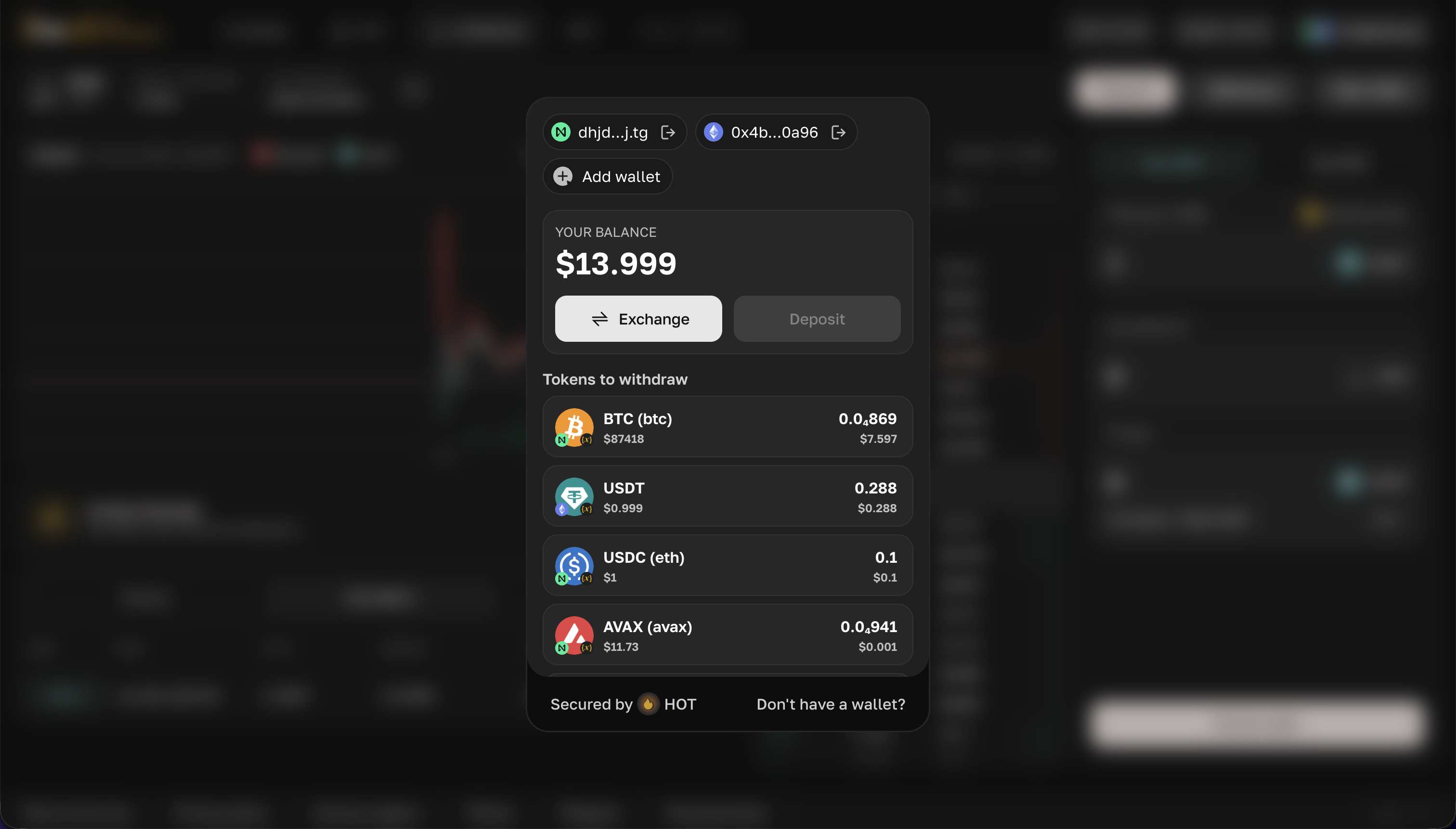
Users can view their token balances in connected wallets, and these balances are also available for you in the code.
```typescript
kit.openProfile() // to open popup with profile
// Get balances
kit.walletsTokens.forEach(({ wallet, token, balance }) => {
console.log(wallet.address, `${token.float(balance)} ${token.symbol}`)
})
// Refresh balances
const evmWallet = kit.evm // if connected or null
await kit.fetchTokens(evmWallet)
```
### 3. Exchange tokens
```typescript
kit.openBridge() // to open popup with bridge
// Or use manual
const review = await kit.exchange.reviewSwap({ .. }) // get qoute
await kit.exchange.makeSwap(review) // do it!
```
.png?alt=media)